
Billing, plans & SMS top-ups
See your plan, top up your SMS balance and change your subscription.
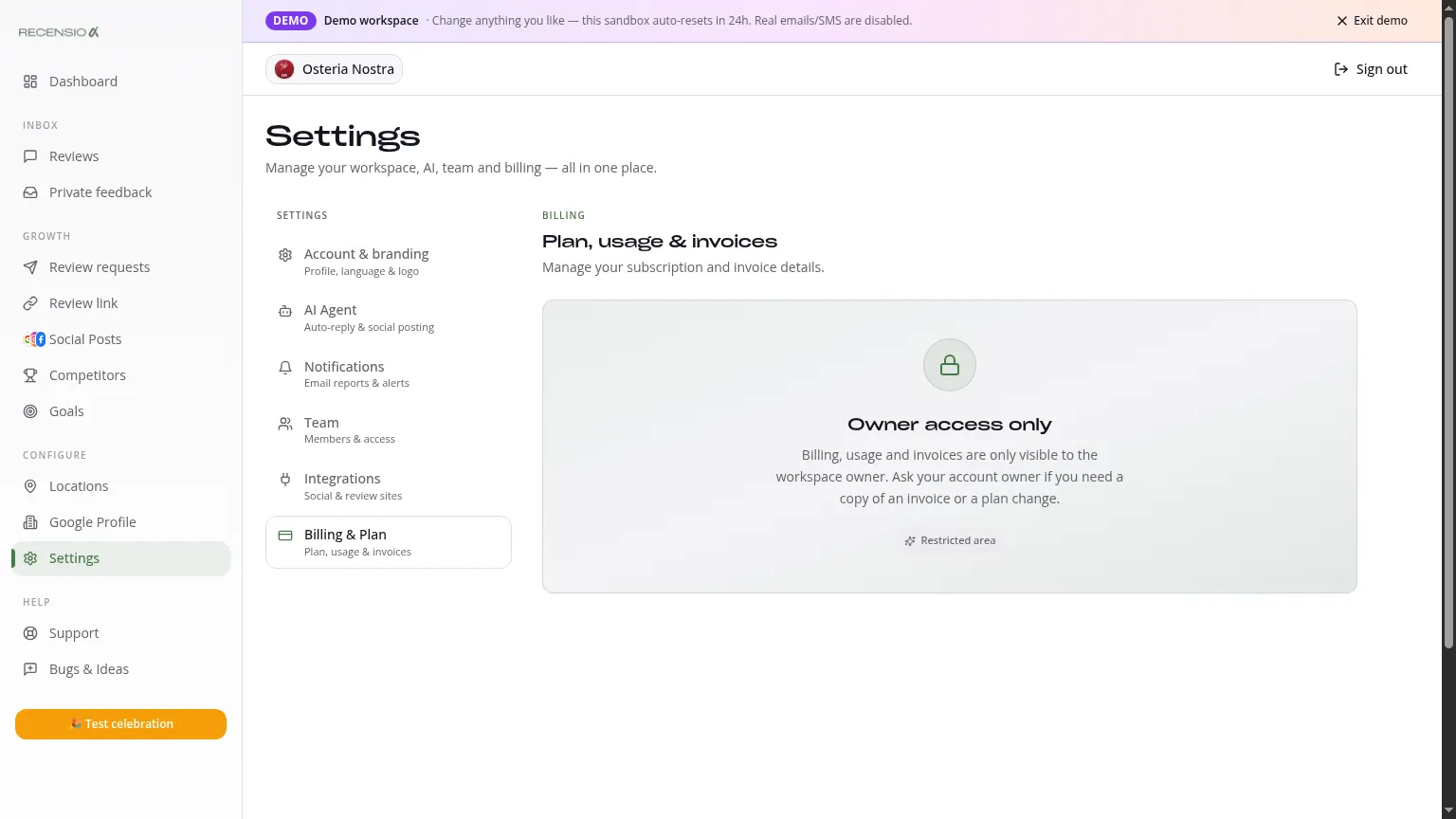
Table of Contents
Open the Billing page
Click Billing in the sidebar. At the top: your current plan, price and next renewal date.
The plans
Two self-service plans, plus a done-for-you tier:
• Pro - €77/mo, 1 location, AI replies, Smart Review Link, AI Agent auto-publish, top reviews auto-share, hidden branding, 2,000 emails. • Multi - €177/mo, up to 3 locations (extra locations €59/location/mo), portfolio dashboard, priority support, 3,000 emails per location. • Pro Managed - €249/mo, the same software as Pro, but a human does SEO and GEO, listings, sensitive review replies, 12 social posts a month and a monthly review call.
Usage per cycle
Usage bars show how many emails, SMS you've used this month. The cycle resets on your start date.
Top up SMS balance
SMS is not included in any plan: it runs entirely on your top-up balance, charged at per-country cost price. Click 'Top up' to add balance with a secure one-off payment, it credits instantly. Top-ups never expire, roll over between cycles and are valid across all locations. Top-ups are available on every plan; the email review requests in your plan are unaffected.
Upgrade or downgrade
Click another plan to switch. Upgrade is instant and prorated. Downgrade takes effect on your next billing date.
Download invoices
Under Invoices you get a monthly EU/VAT-compliant PDF. 100% deductible for business use.
Cancel
Click 'Cancel subscription' at the bottom. You keep access until the end of the current cycle. No fine print, no notice period.
Was this article helpful?
Ready to try RecensioAI?
Collect more reviews, respond with AI and protect your reputation.
Get started free