
Team, invite colleagues
Invite teammates, manage roles and limit access per location.
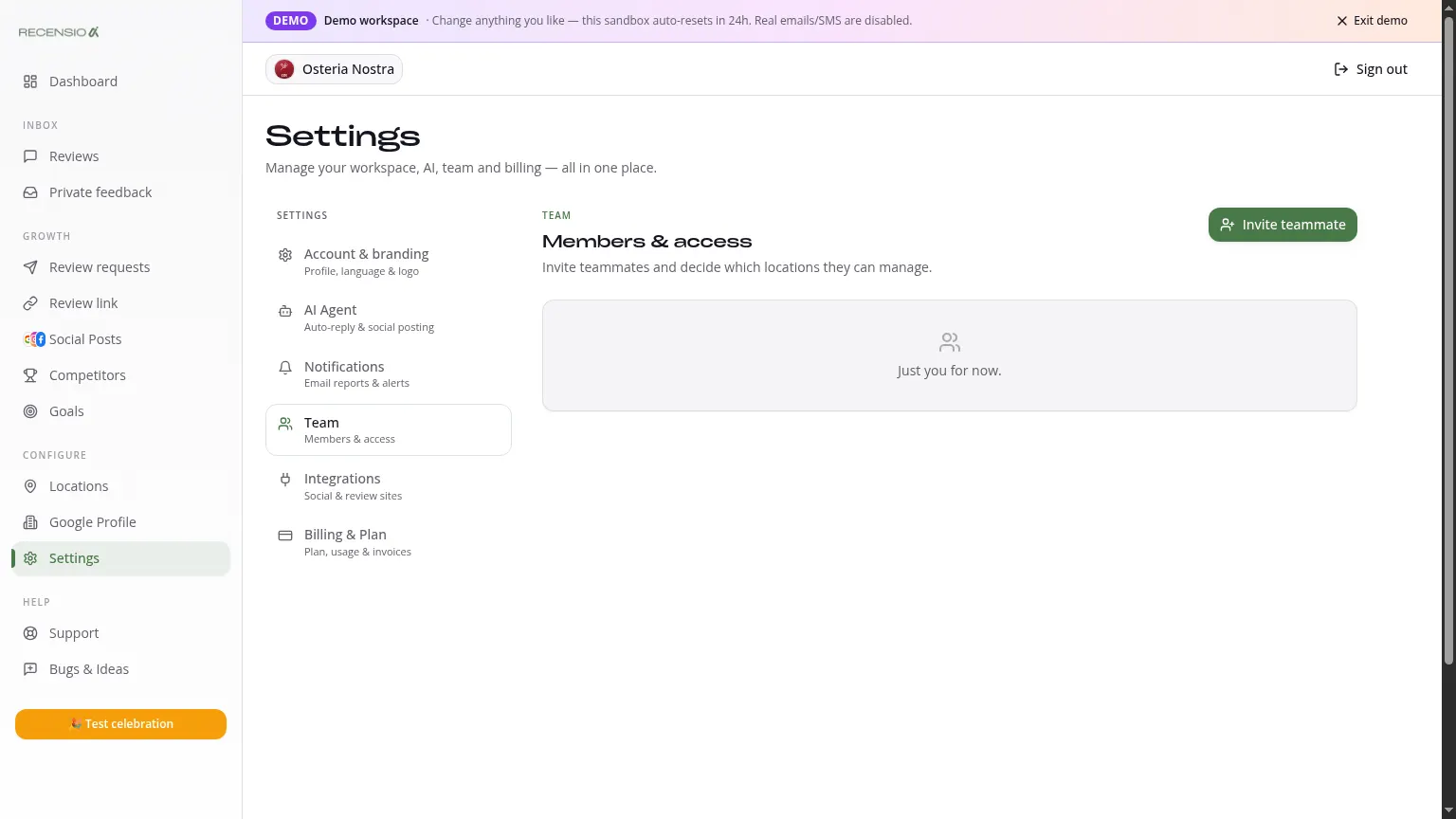
Open Team
Go to Settings → Team. You see every current member with role and last login.
Invite someone
Click '+ Invite member', enter the email and pick a role. Your colleague gets an invitation email to set their password.
Roles
• Owner, full access incl. billing and team. • Admin, everything except billing and team. • Editor, reply to reviews, create posts, send requests. No settings. • Viewer, read-only access to Dashboard, Reviews and Analytics.
Per-location access
On the Multi plan you can restrict a member to specific locations. Handy for managers running only their own branch.
Revoke access
Click the three dots next to a member → 'Remove'. All active sessions are terminated instantly.
Was this article helpful?
Ready to try RecensioAI?
Collect more reviews, respond with AI and protect your reputation.
Get started free